As an Amazon Associate I earn from qualifying purchases.
CTL · Product pick
Xbox Wireless Controller: compatibility and battery checklist
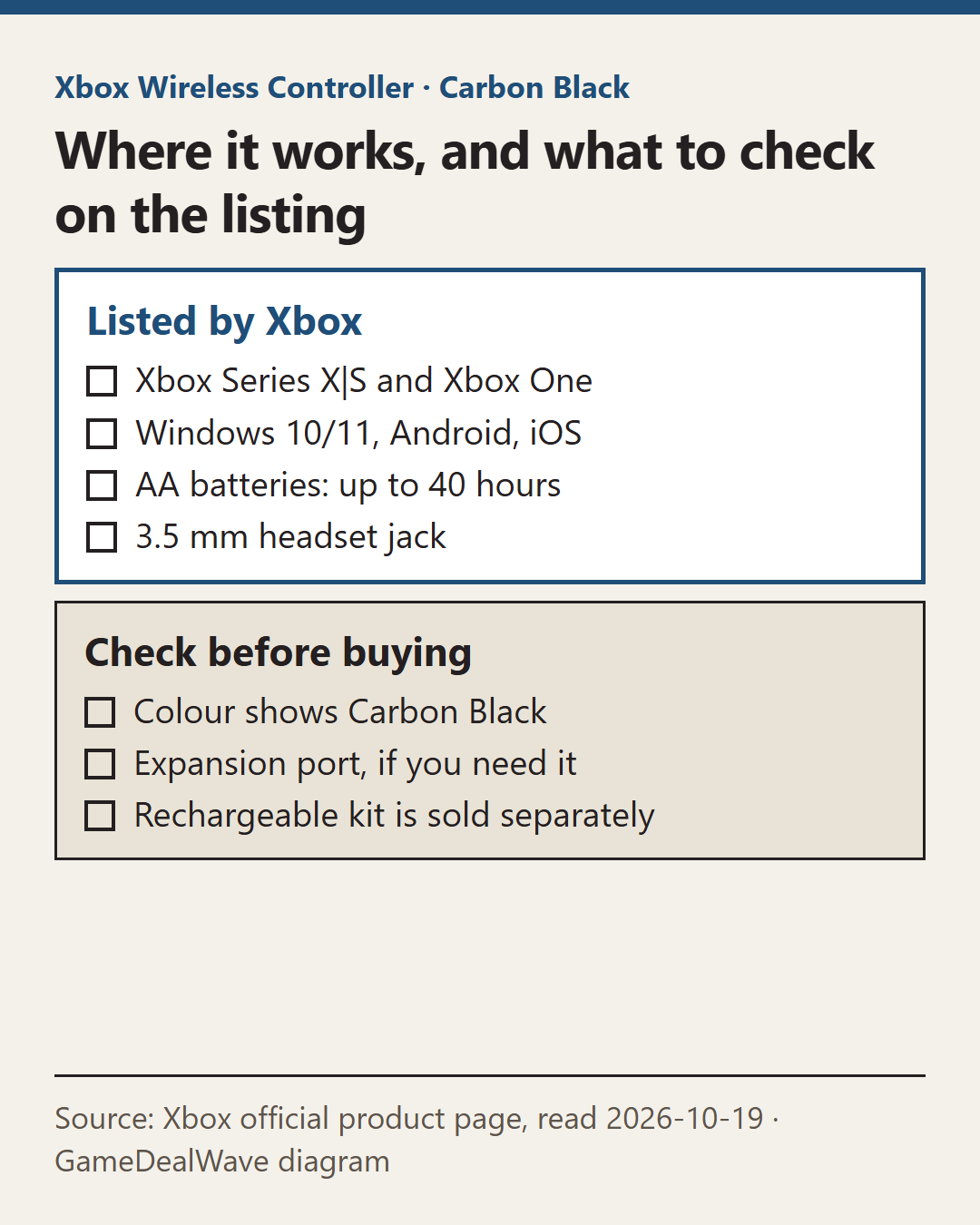
Short answer: Xbox lists it for Xbox Series X, Series S, Xbox One, Windows 10/11, Android and iOS. It runs on AA batteries for up to 40 hours, has a 3.5 mm headset jack, and not every version includes an expansion port, so check the listing.
The Xbox Wireless Controller is the standard controller for Xbox Series X|S, and it also works with PCs, phones and tablets. Before buying, the useful checks are which device you will use it with, how it connects, and how you want to power it.
We have not used this controller for this guide. The facts come from Xbox’s official product page, read on 19 October 2026.
Which devices does it support?
Xbox lists these compatible devices:
- Xbox Series X
- Xbox Series S
- Xbox One
- Windows 10 and 11
- Android
- iOS
Xbox adds a compatibility note to this list, so check Xbox’s own fine print for your exact device if you plan to use it on a phone or tablet.
It does not list PlayStation or Nintendo Switch. If you want one controller for every console, this is not it.
How does it connect to each device?
The controller uses two wireless methods, according to Xbox.
- Xbox Wireless for Xbox consoles.
- Bluetooth for Windows 10/11 PCs, tablets, iOS and Android.
The page also says you can quickly pair with and switch between devices. That is handy if you play on an Xbox and a PC in the same room.
How is it powered?
Xbox says the controller runs on AA batteries, for up to 40 hours of battery life. “Up to” is a best-case figure, and rumble and wireless use affect real battery life.
If you would rather not buy batteries, Xbox sells a rechargeable battery with a USB-C cable separately. Factor that in if you compare it with a controller that has a built-in battery.
What about headsets and the expansion port?
The controller has a 3.5 mm stereo headset jack, so you can plug in a compatible wired headset.
There is one easy-to-miss detail. Xbox notes that not all versions of this controller include an expansion port. If you use an accessory that plugs into that port, check the exact listing and model before buying.
What else does the controller add?
Xbox highlights a hybrid D-pad, textured grip on the triggers, bumpers and back case, and a dedicated Share button for capturing and sharing clips and screenshots. These are quality-of-life features rather than reasons to choose it over another Xbox-compatible pad.
Which details should you confirm on the listing?
- The title should say Xbox Wireless Controller, not a third-party “for Xbox” controller.
- Check the colour you want.
- If you need the expansion port, confirm the listing’s version includes it.
- Decide whether you will use AA batteries or buy a rechargeable kit.
- Check the seller is reputable and the return window suits you.
When a different controller makes more sense
If you want back buttons and adjustable trigger stops, Xbox sells the Elite Wireless Controller Series 2. If you play mainly on PlayStation, you need a PlayStation controller instead. Our controller compatibility checklist compares official and licensed controllers and explains wired versus wireless options. If you are also planning storage for the console itself, see our Xbox Series storage checklist.
We do not show prices or stock because they change frequently. Check them on the retailer page.
How should you set it up the first time?
On an Xbox Series X|S or Xbox One, the controller pairs over Xbox Wireless, the console’s own connection. On a Windows 10 or 11 PC, a tablet, or an iOS or Android phone, Xbox says it connects over Bluetooth. Because the controller can switch between devices, decide which device you use most and pair that one first.
If you mainly play on a phone, also think about how you will hold it. The controller has no built-in phone clip, so you may want a separate clip or stand. Check that any clip you buy is sold for this controller’s shape.
Finally, put fresh AA batteries in before your first session. If the controller seems to disconnect often, weak batteries are a simple thing to rule out before you assume a fault.
Official controller or licensed third-party pad?
Many listings call themselves “compatible with Xbox”. Licensed third-party controllers can be fine, but they are not the same product. They may differ in wireless method, battery type and features like the Share button. If the exact features on this page matter to you, buy the official Xbox Wireless Controller and check the listing title carefully.
Xbox Wireless Controller· Carbon Black
View this item on AmazonAs an Amazon Associate I earn from qualifying purchases.
Questions buyers also ask
- Does the Xbox Wireless Controller work with iPhone?
- Xbox lists iOS among compatible devices, connecting over Bluetooth.
- What batteries does it use?
- Xbox says AA batteries, for up to 40 hours of battery life. A rechargeable battery kit is sold separately.
- Can I plug in a wired headset?
- Yes. Xbox says any compatible headset can plug into the 3.5 mm stereo headset jack.